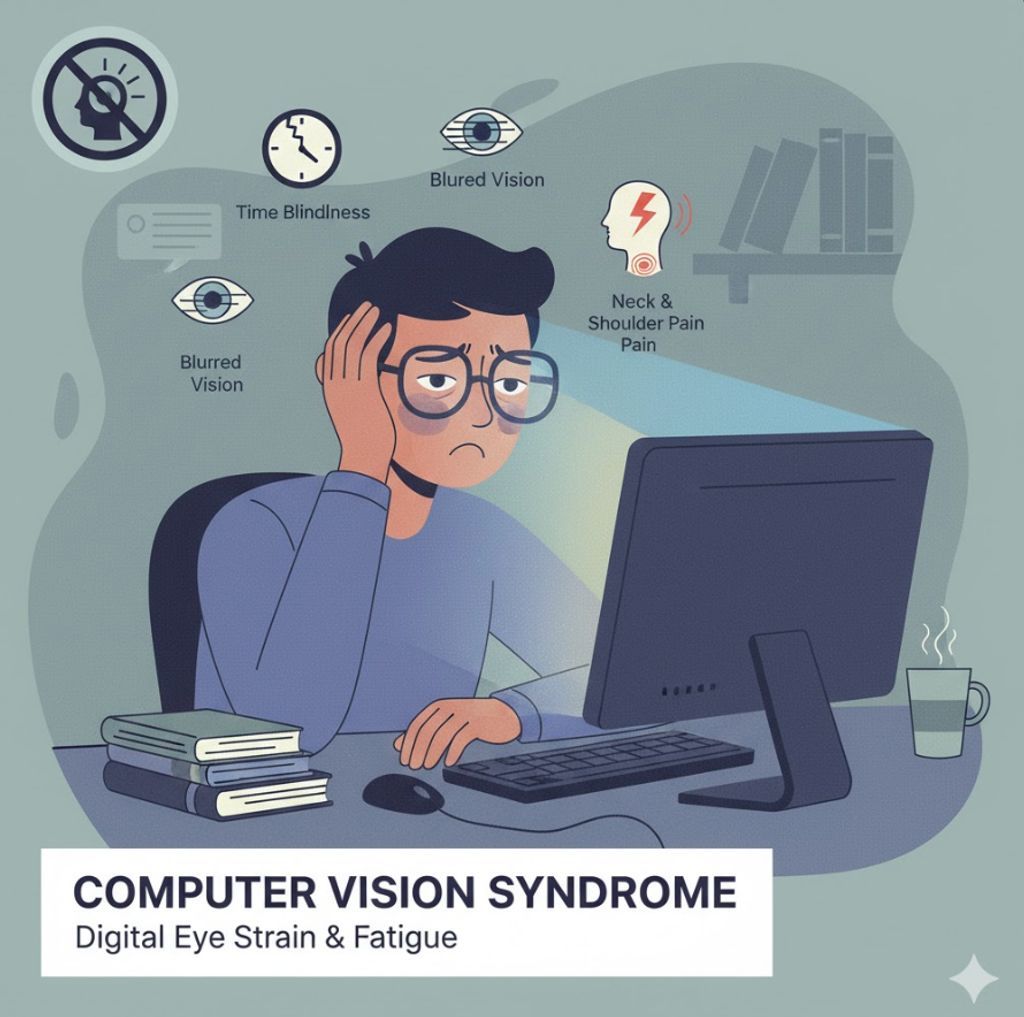
Understanding Digital Eye Strain: Symptoms and Relief Tips
In today’s world, screens have become a constant companion — whether for work, studies, or entertainment. But prolonged use of computers, mobiles, or tablets can lead to a condition commonly called Digital Eye Strain, also known as Computer Vision Syndrome (CVS). While this issue is global, it’s increasingly relevant in the Indian context, where many people spend hours each day on devices.
Here’s a practical guide to what CVS is, how to spot it, and most importantly, how to manage or prevent it.
What Is Digital Eye Strain (Computer Vision Syndrome)?
Digital Eye Strain refers to a collection of eye and vision-related problems that crop up after long periods of screen use.
In India, research shows this is not a minor issue: a cross-sectional study in Madhya Pradesh reported common symptoms like eye strain, headache, blurred vision, dry eyes, and neck or shoulder pain.
Another review highlighted that many people now spend 4.5–7 hours daily on digital devices, increasing the risk of DES.
What Are the Common Symptoms of CVS?
These are some of the most common signs that you might be experiencing digital eye strain:
Eye Discomfort: A feeling of tired, heavy, or burning eyes.
Dryness or Redness: Reduced blinking while using screens can dry out the eyes.
Blurred or Double Vision: Difficulty in focusing, or seeing ghost images when switching focus.
Headaches: Especially after long sessions in front of a screen.
Neck and Shoulder Pain: Often due to poor posture while using devices.
Eye Irritation: Sensitivity to light, itching, or tearing.
Why Does It Happen?
Several factors contribute to digital eye strain:
Reduced Blinking: When we stare at screens, our blink rate drops significantly, which dries out the eyes.
Poor Screen Setup: Incorrect screen distance or angle increases the load on our eye-focusing muscles.
Glare and Brightness: Reflections, flicker, and high brightness can strain the eyes.
Uncorrected Vision Problems: Even mild refractive errors (like needing glasses) can worsen eye strain on screens.
Blue Light Exposure: Long exposure to blue light may contribute to eyestrain and disturb sleep cycles.
Relief & Prevention Strategies for the Indian Screen User
Here are practical, expert-recommended ways to reduce or prevent the symptoms of digital eye strain:
Follow the 20-20-20 Rule
Every 20 minutes, look at something about 20 feet (≈6 metres) away for at least 20 seconds to relax your eye muscles.
Optimise Your Workstation
Keep your screen 20–28 inches (50–70 cm) away and position it just below eye level.
Avoid glare by adjusting lighting, turning off overhead lights, or using an anti-glare filter.
Adjust Screen Settings
Reduce the brightness to match ambient lighting.
Use “Night mode” or any blue-light filter on your devices.
Increase text size or contrast for more comfortable reading.
Blink and Moisturize
Make a conscious effort to blink more frequently to keep your eyes lubricated.
Use artificial tears (lubricating eye drops) if your eyes feel dry or gritty.
Take Regular Breaks
Apart from the 20-20-20 rule, stand up, stretch, or even walk for a couple of minutes every hour.
Practice simple neck and shoulder exercises to reduce muscle stiffness.
Use Corrective Lenses
If you already wear glasses, ask your eye specialist if you need lens correction specific for screen use.
Blue-light blocking or anti-reflective coated lenses may help reduce discomfort.
Maintain Good Lighting
Use soft, ambient lighting in your room rather than harsh overhead lights.
Avoid placing screens directly in front of windows or bright light sources.
Get Regular Eye Check-ups
Visit an optometrist or ophthalmologist periodically, especially if you experience persistent symptoms.
Inform your eye-care professional about your screen usage so they can tailor advice or treatment.
When to See an Eye Specialist
While most cases of digital eye strain can be managed with lifestyle and environmental changes, you should consult a professional if:
Your symptoms persist even after making the above adjustments.
You feel worsening vision or significant blurring.
You experience chronic dryness, redness, or double vision.
Headaches become frequent and severe, linked to screen use.
Disclaimer
The information in this article is meant for educational and informational purposes only. It does not substitute for professional medical advice, diagnosis, or treatment. If you are experiencing persistent or severe eye problems, please consult a qualified eye-care specialist.
For more health-care insights and expert content, visit www.theths.com.